Putting the TV in a corner is one of the most common compromises in living room layouts, and one of the most criticized. Designers say the TV should go on the longest wall facing the sofa. In reality, that wall often has a window, a doorway, a radiator or a fireplace in the way, and the corner is the only empty space. The question is not whether corners are good or bad. It is when the compromise costs you something and when it costs almost nothing.
This guide looks at the corner from the point of view of the viewer: the viewing angle, the distance, the glare from windows and the effect on the room's layout. It then covers the hardware options, stand or mount, the cable and ventilation issues behind a corner set and what to do with a soundbar or speakers. The aim is to help you decide whether the corner works in your room and how to make it work if it does.
Why people put a TV in the corner
Corners solve three real problems. The first is a room where the best walls are taken. A living room with a bay window on one side, a door and a hallway on another and a fireplace on the third leaves a corner as the only open space. The second is a small room, where placing the TV on a corner leaves the center free for walking, and where the seating can wrap around the opposite corner. The third is the family room that serves as a dining area, where the TV must be visible from both the sofa and the table.
Corners have a subtler benefit as well. A TV in the corner can face a sofa diagonally placed across the room, which opens up a layout where the furniture floats and the walkway runs behind it. That arrangement is common in older homes with small rooms, and it lets you place the sofa within the best viewing distance, as covered in TV size for viewing distance. It is also a way of using a room's longest diagonal, which can be several feet greater than its width.
Viewing angles: the real limit
The central issue with a corner TV is the angle between the screen and the viewer. A TV is best seen from straight on. As you move to the side, the picture looks dimmer and the colors shift, because the pixels in a panel emit light in a cone. LCD panels with a vertical alignment type, common in many TVs, lose contrast quickly beyond 30 to 40 degrees off axis. IPS panels hold color better but lose contrast too, and OLED panels have the widest viewing angles, with relatively small changes up to 60 degrees.
In a corner, the TV usually faces the room's center along the diagonal. A viewer on a sofa directly facing the corner sees the screen straight on. A viewer on a loveseat at one side of the room might sit 40 or 50 degrees off the axis, with a less pleasant picture. The solution is to arrange the seating so that most seats are within about 20 to 25 degrees of the TV axis, and to accept that a seat in a far corner is for casual viewing.
| Angle off axis | Picture on a typical LCD | Picture on OLED |
|---|---|---|
| 0 to 20 degrees | Full contrast and color | Full contrast and color |
| 20 to 35 degrees | Slight loss of contrast | Almost no change |
| 35 to 50 degrees | Washed look, color shift | Minor dimming |
| Beyond 50 degrees | Poor, dim and shifted | Noticeably dimmer |
Panel type matters, but so does the mount. A swiveling mount that lets you turn the screen toward the side seats can recover several degrees, which is the reason many corner installations use an articulating bracket.
Corner stands
A corner stand is a triangular or L-shaped unit that fits into the corner and offers a top surface and shelves for devices. Its advantage is a place for the TV without a wall mount, and its shelves fit a console and a soundbar. The main trouble is the top. A triangular top may be only 20 to 24 inches wide at the front, and a TV with feet at the outer corners will not fit. Check the width of the top at the depth where the TV sits, and the foot spacing in the TV's specifications.
The corner stand also pulls the TV out of the corner into the room, because the stand has depth. A 24 inch deep stand puts the screen two feet from the wall, which cuts the walkway and uses a good deal of floor. Compare this with a flat console against a wall. For a modest set of about 43 to 50 inches, a corner stand works. For a 65 inch set, the stand needs to be wide enough to support the feet, and many corner stands are not. Read the product dimensions and the weight rating, and note the stability. A tall, narrow corner unit should be anchored, a concern covered in anchoring furniture to the wall.
Corner mounts
A corner mount, usually a full-motion bracket, fixes to one wall or across the corner and holds the TV on an arm that can swivel. It frees the floor and avoids the stand's depth. The arm extends from the wall by 12 to 28 inches, and a swivel of 90 to 180 degrees lets you point the TV toward the seats. The details of the load and the stud locations are in TV mount types explained.
There are two ways to fix a bracket in a corner. A bracket on one wall near the corner uses the studs of that wall, and the TV rotates toward the room. A dedicated corner bracket spans both walls, and it uses studs in each. Both need studs. In a corner, studs are usually plentiful, since the corner itself has a post of two or three studs. Check the location with a stud finder and mark the pattern. A mount on one wall with the screen fully retracted may sit at 45 degrees to the corner, so check the clearance with the second wall.
Plan the cables. A full-motion arm in a corner needs slack, since the TV swings, and the cable route should leave room at the corner for a plug and a power strip. Use a recessed outlet or a power bridge kit, as explained in how to hide TV wires, and avoid running a cord across the corner where it can pinch against the wall.
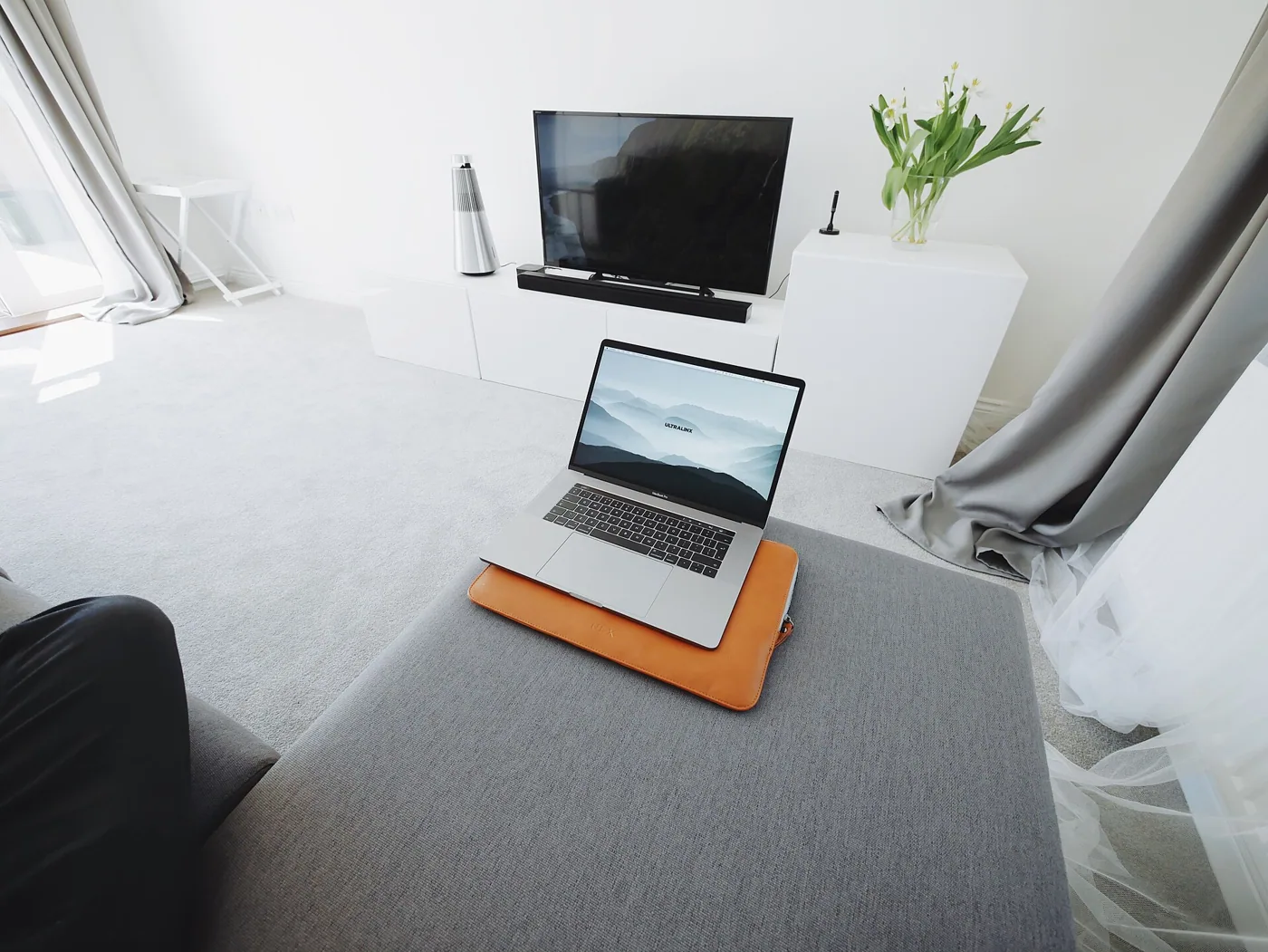
Layout moves that make a corner work
If you have decided on a corner, arrange the room around it so the compromise shrinks. Turn the main sofa to face the corner squarely, with its center on the diagonal, and place any second seat so it sits within a short arc of the first. A sofa and a pair of chairs forming a shallow U around the corner give most viewers a similar angle. Keep the coffee table low and round so it does not block the diagonal walkway, and leave 30 to 36 inches between the table and the TV wall.
Mark the plan on the floor with tape before you move heavy furniture. Draw the diagonal from the corner through the room, then place each seat and check the angle with a string pinned at the TV position. A seat that falls more than about 35 degrees from the diagonal is a candidate for a swivel chair, which can turn toward the screen, or for a different position. It also helps to test the arrangement for a week with the real TV on a temporary stand before drilling any bracket.
Finally, balance the room. A TV in one corner leaves the opposite corner empty, and a floor lamp, a plant or a tall bookcase there gives the layout a counterweight and softens the glare when the TV is off.
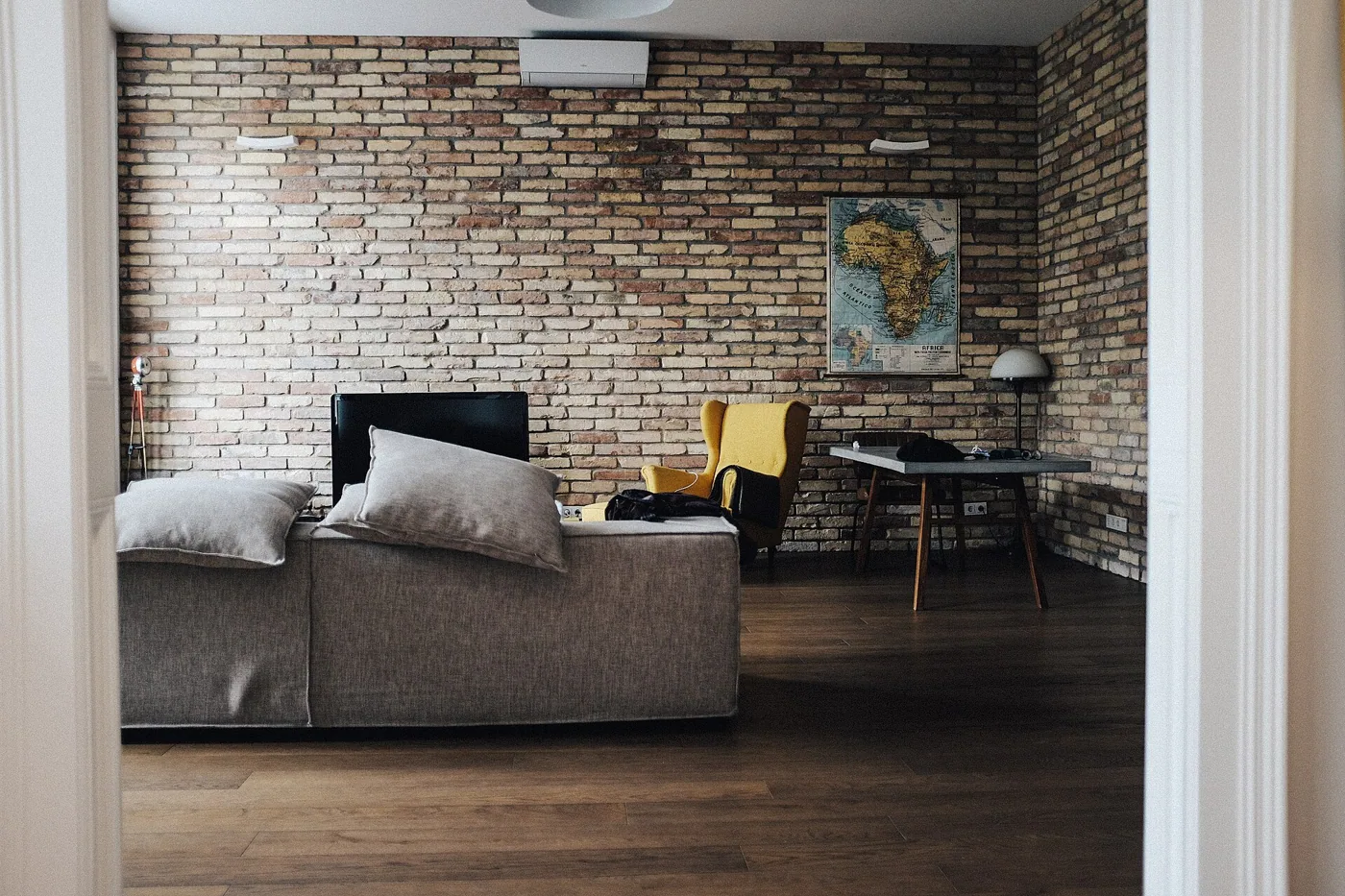
Window glare and light in a corner
Corners often sit next to a window, and window glare is the corner's biggest hidden cost. A glossy screen reflects whatever is behind the viewer, and a window on the side wall can bounce a bright rectangle across the picture in the afternoon. The fix is to check the glare at the time you watch. Sit on the sofa and look at the screen in daylight with it switched off. If you see a reflection of a window, you can reduce it with curtains, a blind, a matte screen or a slight tilt of the TV.
If the window is directly beside the TV, the contrast between the bright window and the dark screen strains the eyes, even without a reflection. Heavy curtains that can close during the day, or sheer curtains that diffuse the light, help. You can also put a lamp or a bias light behind the TV to reduce the contrast, which lowers eye fatigue. For help with the bias light, see the LED strip lights guide, which covers the placement behind a screen.
Airflow, depth and cables behind a corner set
A TV pushed tightly into a corner has little room behind it. Leave 2 to 3 inches of clearance for the vents on the back and for the plugs. If the cables come straight out the back, a right-angle HDMI adapter helps to avoid a sharp bend. Corners also collect dust, so a TV that sits in one needs a periodic clean behind it. A mount with an arm makes this easy, as you can swing the TV out and wipe the wall.
Depth matters on both sides. A corner stand sticks out, and a TV on a wall arm sticks out less but moves. Measure the walkway between the TV and the opposite furniture. Aim for at least 30 inches. Where the TV corner is next to a doorway, check that the door swing does not hit the TV or the arm when fully open.
Sound in a corner
Corners are acoustically noisy places. Two walls reinforce bass, and a speaker in a corner sounds boomy. A soundbar under a corner TV faces the diagonal, so its stereo image is pointed at the center of the room, which is fine, but the reflections from the two walls can blur dialogue. Aim the bar toward the seating and keep it a few inches from the walls where possible. The advice in the soundbar placement guide applies, with extra care for the walls.
If you use separate speakers, place the left and right speakers at the same distance from the center line of the screen, not from the walls. A symmetrical layout on the diagonal is possible with stands. A subwoofer in the corner will make bass louder, which may be welcome or not, so try a spot a foot or two from the corner and compare.
When a corner is the wrong answer
Avoid the corner if the seating is arranged along a wall and cannot move, so most viewers are far off axis. Avoid it if the room is large enough for a better wall, if the corner is next to an exterior window that cannot be covered, or if the corner cannot take a stand or an arm safely. Do not put a TV in a corner above a radiator, a heat register or a fireplace, since heat shortens the life of electronics.
Alternatives include mounting the TV on the wall at an angle, placing it on a console along the shortest wall with the sofa moved, or using a swivel mount on the main wall. A swivel arm on a flat wall gives the same flexibility as a corner with fewer drawbacks. In a small room, a wall-mounted TV on the side wall, with the seating turned, is often better than the corner.
Frequently asked questions
Is it bad to put a TV in the corner of a room?
Not if the seating faces it roughly straight on and the glare is controlled. It is bad if many viewers sit far off to the side, since most panels lose contrast and color at wide angles.
Should I use a corner stand or a mount?
A mount frees the floor and lets you swivel the screen. A stand is simpler and has shelves, but it takes floor space and many corner stands are too narrow for a large TV.
How much space should be behind a corner TV?
Leave 2 to 3 inches for ventilation and cables. A right-angle HDMI plug and a recessed outlet help in tight corners.
What viewing angle is acceptable?
Aim for the main seats within about 20 to 25 degrees of straight on. LCD panels lose contrast beyond 30 to 40 degrees, and OLED panels hold up better.
How do I stop window glare on a corner TV?
Use curtains or blinds, tilt the screen slightly or switch to a matte-finish panel. Check the glare at the time of day you usually watch.
Bottom line
A corner is a good place for the TV when the room offers nothing better and the seating can face it. Check the viewing angle for every seat, choose a stand wide enough for the feet or a swivel mount rated for the weight and test the glare before you commit.
If the corner means half the family sees a washed-out picture, look at a swivel mount on a flat wall instead. Either way, leave room behind the screen and plan the cables before the TV goes up.