Making a living room light smart can be done in two different places. You can put the intelligence in the bulb, so each lamp carries its own radio, or you can put it in the wall switch, so a single device controls every bulb on a circuit. Both give you voice control, schedules and scenes, and both are sold as the easy route. They are easy in different situations, and choosing the wrong one for a particular light is the most common source of disappointment with smart lighting.
This guide explains how each works, the wall switch problem that bites smart bulb owners, the neutral wire problem that bites smart switch buyers, how hubs and protocols fit in, and how the cost compares room by room. It ends with a simple rule for which to choose for each light you own.
How each approach works
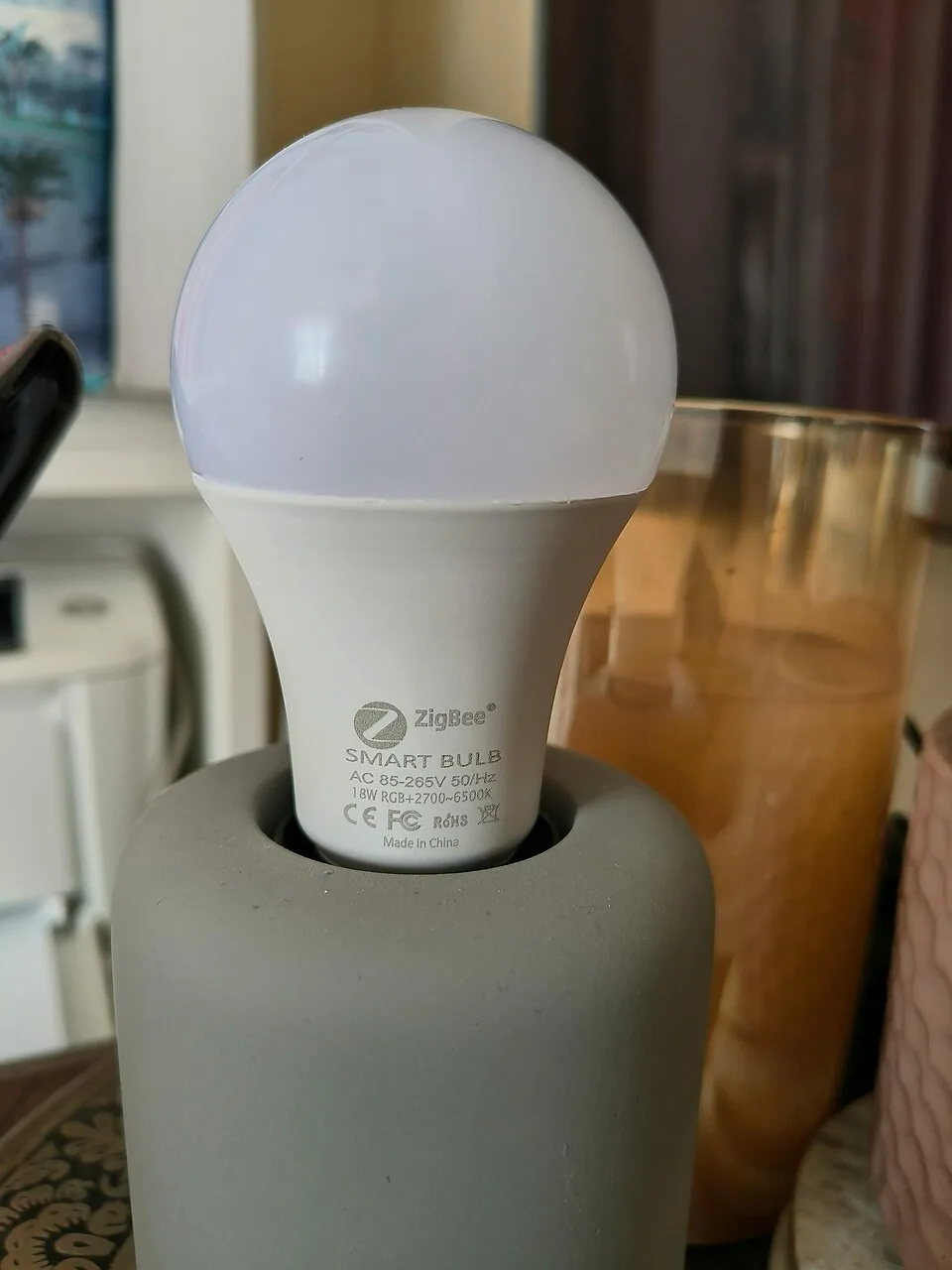
A smart bulb has a small radio and a controller built into its base, and it connects to a hub, a router or a phone over Wi-Fi, Bluetooth, Zigbee or Thread. It can change brightness, and in many models color temperature or full color, and it responds to an app or a voice command. The bulb needs power at all times to listen for commands, and the wall switch only cuts that power.
A smart switch replaces the standard wall switch or dimmer with a device that has its own radio and a relay or dimmer inside. It controls the power to the whole circuit, so any bulb connected to it becomes smart in the sense that it can be turned on, off or dimmed remotely. The bulbs themselves can be ordinary ones, which means you can change them without losing the system, and a spare is cheap.
The difference is what is smart: the bulb in one case, the circuit in the other. That simple distinction explains most of the tradeoffs below. A bulb can do things a switch cannot, such as change color or create separate zones in a room, while a switch can do things a bulb cannot, such as control a fixture with five sockets or a bulb that is out of reach.
The wall switch problem
The most serious weakness of smart bulbs is the wall switch. If a person turns the switch off, the bulb loses power and drops off the network, and no voice command or schedule can turn it back on until someone flips the switch. In a household where guests or children use the wall switch out of habit, this leads to a lot of frustration. A smart bulb behind a wall dimmer is worse, because the dimmer can also disrupt the bulb's radio.
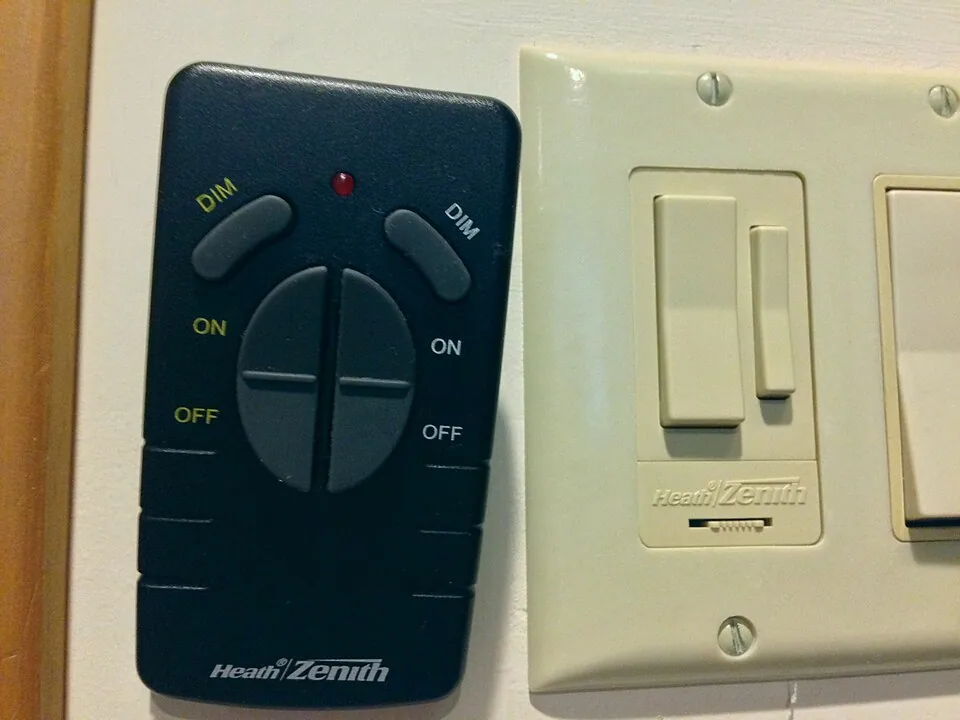
There are three practical answers. The first is to leave the wall switch on and make it clear to everyone, which works in a home where you are in control. The second is to fit a switch cover, a small plastic guard that locks the toggle in the on position, which some people find neat. The third is to pair smart bulbs with a wireless smart remote or a battery switch that controls them, so the wall switch becomes a decoration. Some systems let you make the wall switch send a command instead of cutting power.
A smart switch avoids all of this because the switch itself is smart. Pressing it works as usual, and the app or voice command also works. That is why a smart switch is the better answer for rooms shared with other people, rooms with guests and fixtures that people turn on and off by habit when they walk in.
The neutral wire problem
Smart switches need a trickle of power to keep their radio alive, and most of them draw it through the neutral wire, the white wire that returns current to the panel. In many homes built before the mid 20th century, and in some newer ones, the wiring in a switch box has only the hot and the switched wire, with no neutral. A switch that needs a neutral will not work in that box, and it can flicker or hum if it is forced to leech power through the bulb.
Check before you buy. Turn off the breaker, take off the switch plate and look into the box. If you see a bundle of white wires, usually capped together at the back, you probably have a neutral. If you do not, look for a switch labelled no neutral required, which uses a small bypass or a special capacitor. These are available, but they have a minimum load, and with a single low wattage LED bulb they may flicker. The advice in our dimmer switch guide on minimum load applies.
Never open a switch box with the power on, and if the wiring is aluminum, crowded or unclear, ask an electrician. A smart switch is not complicated, but a mistake in a box can cause a fire. If you rent, check the lease, because changing a switch is often considered an alteration.
| Question | Smart bulb | Smart switch |
|---|---|---|
| Works with a wall switch left off | No, loses power | Yes, the switch is the smart part |
| Needs a neutral wire | No | Often yes, or a no neutral model |
| Color changing | Yes, in many models | No, bulbs are ordinary |
| Control of a multi bulb fixture | One bulb at a time | The whole circuit at once |
| Renter friendly | Yes, screw in and take away | Rarely, it replaces a fixture |
| Bulb replacement | Replace a costly smart bulb | Replace an ordinary bulb |
Hubs, protocols and what they mean
Smart devices talk over a handful of protocols. Wi-Fi devices connect straight to your router and need no hub, but many of them on one network can crowd it. Zigbee and Z-Wave need a hub or a compatible speaker, and they form a mesh in which each mains powered device relays signals to its neighbors, which makes large installs reliable. Thread and Matter are newer standards intended to work across ecosystems, with Matter over Wi-Fi or Thread controlling devices from multiple apps.
For a small installation, Wi-Fi bulbs and switches are the simplest, and they work with the major voice assistants. For a larger home with a dozen or more devices, a mesh protocol is usually more reliable. Whichever you choose, check that the bulb or the switch is compatible with your ecosystem, since works with one assistant does not guarantee another. Our overview of smart bulbs for the living room goes deeper into protocols.
A related risk is cloud dependency. Some devices need the manufacturer's servers to work, and if the company changes its service or closes it, the devices lose features. Local control, where the hub or the device responds without the internet, is a sign of a more durable system. If you value reliability, look for local control and a standard such as Matter.
Cost per room
The math depends on the number of bulbs on a circuit. A smart bulb is more expensive than an ordinary one, and a color model costs more than a white one. A smart switch costs more than a standard dimmer, but only one is needed per circuit. For a ceiling fixture with four bulbs, four smart bulbs cost more than one switch plus four ordinary bulbs. For a single table lamp, one smart bulb costs less than a switch and wiring.
A useful rule is the three bulb rule. If a switch controls three or more bulbs, a smart switch is usually cheaper and simpler. If it controls one or two, or if the light is a plug-in lamp with no wall switch, a smart bulb is the better choice. Include the cost of installation in the comparison if you hire an electrician for the switch, and the cost of replacing bulbs over time if the bulbs are expensive.
Also think about longevity. A smart switch is a long term device that should last for many years, with ordinary bulbs that cost little to replace. A smart bulb ties a radio to a part that wears out, so when the diodes fade the radio goes with them. Plan for this when you build a system around bulbs.
Which one for which light
For table lamps and floor lamps, a smart bulb or a smart plug is the right choice, because there is no wall switch to replace. A smart plug controls the lamp's power, so it works with any bulb, while a smart bulb adds dimming and color. For lamps used mainly as a mood layer, such as those described in layered lighting for a living room, color changing bulbs are a fun extra, but keep the white quality in mind.
For a ceiling fixture, recessed lights or a chandelier, a smart switch or dimmer is usually better. It controls all the bulbs at once, keeps the wall control working and does not rely on a radio in each socket. For a living room without overhead lighting, see how to light a living room without overhead lighting, where smart plugs on lamps are a common solution.
For a ceiling fan with a light, check the fan control first, since many fans need a dedicated smart fan controller and an ordinary smart switch can damage the motor. Where bulbs are in a fixture that is hard to reach, a smart switch saves a trip up the ladder, and for bulbs in an enclosed globe, look for a model rated for enclosed fixtures.
Scenes, schedules and the habits that decide success
Smart lighting only pays off if it fits how the household behaves. A scene that dims the lights and turns on a lamp for evening television is useful on the first day and annoying on the fortieth if it needs three taps. Set up the two or three scenes you will really use, name them in plain words, and place a physical button or a wireless remote where a person naturally reaches, such as beside the sofa or at the doorway.
Schedules are the other habit. A gentle morning raise of the lamps, or an evening shift to a warm level, is easy with bulbs that support color temperature, and it works with a smart dimmer that sets a level at a given time. Keep the schedule simple and test it for a week. If people keep overriding it by hand, it is not matching the way the room is used, and it is better to drop it than to fight it.
A last point on voice control. It is a good fit for a hands full moment, and a poor fit for a late evening when someone is sleeping nearby. Make sure that every light also works by a plain switch or button, so that a visitor, a babysitter or a guest never needs to know the wake word. A smart system that cannot be used by a stranger is a system that will annoy someone eventually.
Mixing both in one room
Most living rooms use both. A smart dimmer on the ceiling or recessed lights sets the base level, while smart bulbs or plugs on the lamps add accents and scenes. Put them in the same app or the same ecosystem so a single scene or voice command, such as movie time, can dim the ceiling and turn on the lamps at once.
Take care not to put smart bulbs behind a smart dimmer. The dimmer will cut or chop the power, and the bulbs will misbehave. Where a fixture has smart bulbs, replace the dimmer with a plain on and off switch, or a smart switch set to full power, and let the bulbs handle the dimming. If a lamp flickers after you make a change, our guide on why LED bulbs flicker helps to find the cause.
Frequently asked questions
Can I use a smart bulb in a fixture controlled by a smart switch?
You can, but it creates two layers of control that fight each other. If the switch cuts power, the bulb goes offline, and a dimmer can confuse the bulb. Choose one smart device per circuit, and set the other to a fixed on state.
Do smart switches work without Wi-Fi?
The manual switch always works, since it is a switch. The smart features depend on the network or the hub. Some systems keep schedules and local control without the internet, while others lose voice control and the app when the connection fails.
Will a smart switch work with any bulb?
It works with any bulb that suits the type of switch. For a dimmer, use dimmable LEDs and check the minimum load. A non dimmable bulb works on a plain smart switch but not on a smart dimmer.
Is a smart plug a good middle option?
Yes, for plug-in lamps. A smart plug turns a lamp on and off by schedule or voice, needs no wiring and works with any bulb. It cannot dim most lamps, so pair it with a dimmable bulb if you need that.
Do smart bulbs use power when off?
Yes, a small amount, because the radio stays on to listen. It is usually under a watt per bulb, but across many bulbs it adds up slightly. A smart switch has the same standby draw, but only once per circuit.
The bottom line
Use smart bulbs, or smart plugs, for lamps and for any light without a wall switch. Use a smart switch or dimmer for ceiling fixtures, recessed lights and chandeliers, and check for a neutral wire before you buy.
Keep one smart layer per circuit, choose a system with local control if you can and teach everyone in the house what the wall switch does. If you are unsure, start with one lamp and one switch in the room you use most, and expand once the habit sticks.