A smart bulb is an ordinary LED with a radio and a small computer in its base, and it turns a lamp into something you can dim, schedule and recolor from a phone or a voice assistant. The idea is appealing in a living room, where you want bright light for cleaning, soft light for a film and a warm glow in the evening. The reality is more mixed, and the same radio that makes the bulb smart can make it a headache if it is paired with the wrong lamp, switch or network.
This guide explains the four ways smart bulbs connect, what each costs in effort and reliability, the wall switch problem that trips most people up, dimmer incompatibility, the difference between tunable white and color bulbs and a sensible way to start. It does not rely on any one brand, because the standards change faster than any list.
How a smart bulb works
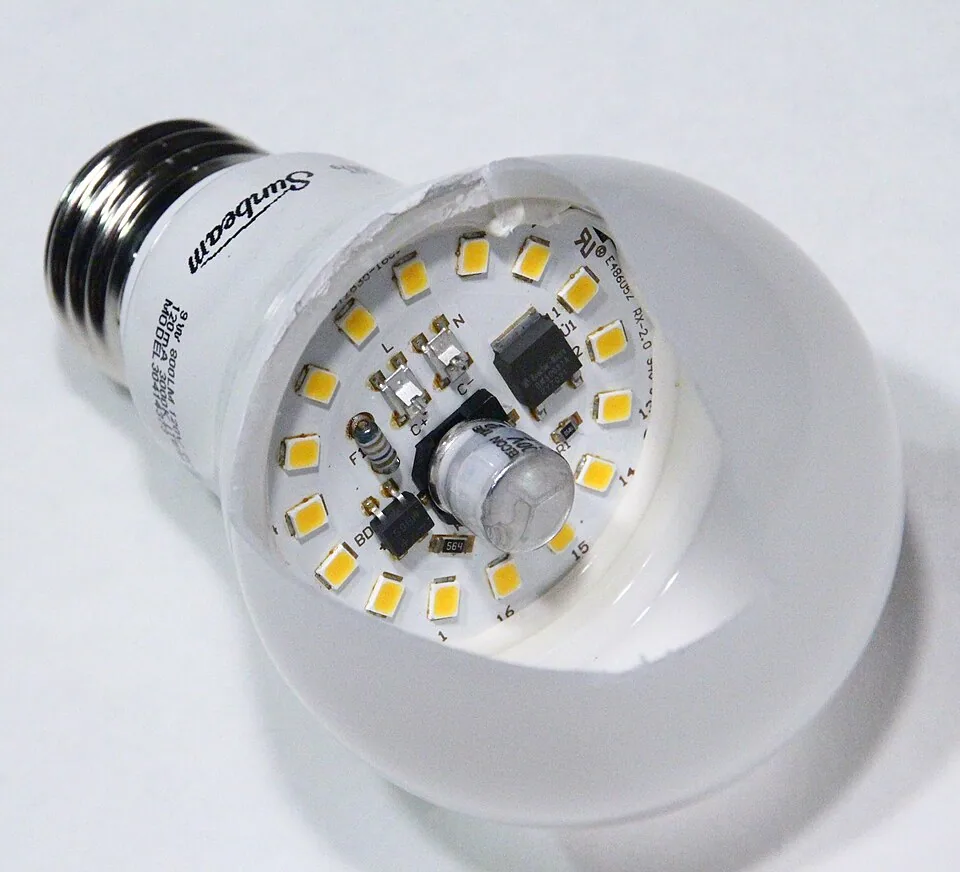
A smart bulb contains an LED light source, a driver that regulates the power and a radio that listens for commands. The radio connects it to a network, a hub or a phone, and the commands set the brightness, the color temperature and sometimes the color. The bulb stays in standby when it is off, using a fraction of a watt, so that it can respond to the next command.
Because the radio and the electronics sit inside the bulb, it is larger and sometimes a bit heavier than a simple LED, and the heat from the electronics can shorten its life in a closed fixture. Check that the bulb is rated for the fixture, and use open or ventilated lamps where possible. Look at the lumens and the color rendering as well, since some smart bulbs trade light quality for features, and our guide to color temperature explains the numbers to check.
The four connection types
Wi-Fi bulbs connect directly to the home router, so they need no hub, and they can be controlled from anywhere. They are the simplest to set up, but each bulb counts as a device on the network, and a room with a dozen can slow a busy router or drop connections. They also depend on the cloud service of the maker in many cases, so if the service closes, the bulb may lose features.
Bluetooth bulbs pair directly with a phone and need no router, and they suit one or two lamps and a small room. The range is limited, about 30 feet or less, and control from outside the home needs an extra gateway. Hub-based bulbs, using Zigbee or Thread, connect to a small hub or a hub built into a speaker, and form a mesh, where each bulb relays signals to the next. They are the most reliable for a whole room or a house, and they respond quickly.
Matter is a newer standard intended to let devices from different makers work together. A Matter bulb can connect over Wi-Fi or Thread and be controlled by several platforms. It promises less lock-in, but the support is still uneven, and a Matter bulb may need a compatible hub or border router. Check the box for the standards the bulb supports, and the platforms you use.
| Type | Needs | Strength | Weakness | Best for |
|---|---|---|---|---|
| Wi-Fi | Router | Simple, no hub | Network load, cloud reliance | A few lamps |
| Bluetooth | Phone | No router, cheap | Short range, few features | One or two lamps |
| Zigbee or Thread (hub) | Hub or border router | Reliable mesh, fast | Extra device to buy | Whole room or home |
| Matter | Compatible controller | Cross-brand, future-proof | Uneven support | Mixed-brand homes |
The wall switch problem
The most common failure is a bulb in a fixture that is controlled by a wall switch. When someone flips the switch off, the bulb loses power, and it can no longer receive commands. The next time the voice assistant is asked to turn on the lamp, nothing happens, and the owner discovers that the switch is the culprit. A smart bulb must always be powered to be smart.
The fixes are practical. Leave the wall switch on, and tape over it or fit a switch guard so that nobody turns it off. Use a smart switch instead of a smart bulb for fixtures with a wall switch, since the switch controls the power and leaves the bulb dumb. Or use a battery-powered wireless switch, stuck beside the door, that sends commands to the bulbs, so people can use a physical control without cutting the power. This approach suits the living room, where several people use the room and expect a switch to work.
Dimmers and incompatibility
Do not put a smart bulb on a wall dimmer. Smart bulbs dim themselves through their own electronics, and a dimmer that chops the power wave can confuse them, causing flicker, buzzing, strange behavior or damage. Bulbs and dimmers that do not match are one of the commonest causes of a ceiling fixture that hums or flashes.
Set any dimmer in the circuit to its full brightness, or replace it with a regular switch. If you need a wall control, use a smart dimmer designed for the system, or a wireless dimmer remote. For regular LED bulbs on an old dimmer made for incandescent bulbs, check the compatibility list, and look for bulbs labeled dimmable and a dimmer rated for LED loads. Our guide to lumens explains why dimming is a useful way to set the level for each activity.
Tunable white versus full color
A tunable white bulb changes between warm white, around 2200K to 2700K, and cool white, 5000K to 6500K, and everything in between. It suits a living room, where you may want a bright, neutral light for tasks and a warm, dim light in the evening. It also follows daylight automatically in some systems, shifting the color through the day.
A full color bulb adds the ability to produce red, blue, green and any hue. It is fun for parties, for accent lighting behind a screen and for setting a mood. It is less useful for general light, as the whites on a color bulb can be of lower quality and less bright than on a tunable white one. For most living rooms, choose tunable white for the main lamps and a color bulb or strip only for an accent. Keep the color temperature consistent between the lamps, as our guide on color temperature advises.
Scenes, schedules and voice control
The real value of smart bulbs lies in scenes. A scene sets several lamps at once: reading, with the task lamp at full brightness and the others low; movie, with all lamps at 10 percent and the bias light on; evening, with warm light at 30 percent. You can trigger a scene with a button, a voice command or a schedule that begins at sunset.
Start with two or three scenes and use them for a month before adding more. A scene that is too complex is rarely used. Place a physical button near the sofa that triggers the main scenes, so that guests can use the lights without a phone. Voice control is handy, but it is not a substitute for a switch. Keep a manual route for every light, since networks fail, and the room should not be left in the dark.
Reliability, updates and privacy
Smart bulbs depend on software, and software ages. A bulb that was supported at purchase may lose its app or its cloud connection when the maker moves on, and an update can change the way it works. Prefer bulbs that work locally, over a hub or Matter, so that they keep working if the internet goes down. Check the update policy and how long the maker supports the product.
Privacy is a smaller issue for bulbs than for cameras, but they still send data about when you are home. Review the permissions of the app, use a strong password and a separate network for smart devices if your router allows it. Keep the firmware up to date, and avoid very cheap bulbs from unknown makers, which may lack security updates. A well-known brand with a clear support policy is a safer choice.
Shapes, bases and fixtures that suit smart bulbs
Smart bulbs come in the common shapes: the standard A19 or A60, the globe, the candle and the reflector or spot for recessed fixtures. The base must match the socket, usually E26 in North America and E27 or B22 elsewhere, and a candle needs a smaller E12 or E14 base. Check the bulb's dimensions, since the electronics make some models longer than a conventional one, and a bulb that sticks out of a shallow shade looks wrong.
Closed fixtures, where the bulb sits inside a glass dome, trap heat. Electronics do not like heat, and a smart bulb in an enclosed fixture may fail early or dim itself. Look for a rating for enclosed fixtures, or choose an open lamp. A GU10 or a recessed reflector is a good choice for accent lighting, and a filament-style smart bulb gives a decorative look, though the options for tunable color are fewer in those shapes.
Cost and value compared with smart plugs and switches
A smart bulb costs several times as much as a plain LED, and a living room with eight lamps and fixtures adds up. Compare the options. A smart plug controls one lamp with any bulb for a modest price, and keeps the bulb ordinary. A smart switch controls all the bulbs in a fixture, which suits a ceiling light with several bulbs, and costs less than replacing each bulb.
Smart bulbs earn their price where you want color temperature control or color on individual lamps, and where there is no wall control. In a room with plain lamps and no need for color, smart plugs with good LED bulbs give most of the benefit for much less. Choose according to what you will use, not what is possible, and accept that a smart bulb costs more than the energy it saves.
Troubleshooting the usual problems
If a bulb goes offline, check first whether the wall switch is on. Then check the network, since a router reset or a change of password breaks the connection, and the bulb may need to be re-paired. If the bulb flickers, check for a dimmer in the circuit, and set it to full or remove it. If the color looks off, check the setting in the app, since the default for some bulbs is a cool white.
If the response is slow, move the hub or add a repeater, such as a mains-powered bulb or plug in the same room, which strengthens a mesh. If a bulb will not pair, reset it by turning it on and off in a sequence given in the instructions, and bring the phone close. A bulb that fails repeatedly should be replaced under warranty. Keep the instructions, since the reset sequence varies from model to model.
A sensible way to start
Begin with one room and a few lamps. Choose a connection type that matches your setup: a hub if you plan to grow, Wi-Fi if you want a quick test. Buy tunable white bulbs for the lamps you use most, keep the wall switches on and set up two scenes. Test for a few weeks, and note which features you actually use.
If you like the result, expand to the other lamps and add a wireless switch. If not, the bulbs still work as ordinary dimmable LEDs, and the cost is small. For lamps that are controlled by a plug, a smart plug with an ordinary bulb is a cheaper, simpler option, as we discuss in the guide to lighting without overhead lighting. Do not replace every bulb at once.
Frequently asked questions
Do smart bulbs work with a regular wall switch?
Yes, but if the switch is turned off, the bulb loses power and cannot be controlled. Leave the switch on, cover it or use a wireless switch or a smart switch for that fixture.
Can I use smart bulbs with a dimmer switch?
Not on an ordinary dimmer. Set the dimmer to full or replace it with a regular switch, and let the bulb do the dimming. A smart dimmer designed for the system is another option.
Is Matter worth waiting for?
Matter helps if you mix brands or platforms, but support is still growing. If you want a reliable system now, a hub-based bulb from a well-supported range works well, and many are being updated to Matter.
What if my situation is different, such as a rental with old fixtures?
Smart bulbs are a good fit, because you can use them in lamps and in existing sockets without wiring. Keep the original bulbs for move-out, and use a wireless switch beside the door if the wall switch is awkward.
Do smart bulbs use a lot of power when off?
They draw a small standby power, usually under half a watt per bulb. In a room of five bulbs, that is a couple of watts, which is a small cost compared with the convenience.
Bottom line
Choose a connection type that matches your plans: a hub for a whole room, Wi-Fi for a few lamps and Matter if you mix brands. Keep the wall switches on, avoid old dimmers and choose tunable white for the main lamps, with color for accents only. Set up two or three scenes and a wireless switch near the sofa.
Smart bulbs are useful when they make the room easier to use, and a nuisance when they depend on a phone for everything. Start small and keep a manual option. For how we weigh these details in our picks, see how we evaluate products.