



TCL's QM6K combines a quantum dot film with a mini LED backlight, a 144Hz panel and a local dimming system the maker calls HALO, and runs Google TV. Mini LED means many small backlight zones that can dim independently, which improves contrast, and quantum dots widen color. The listing says the HALO system targets blooming, the glow around bright objects on dark backgrounds.
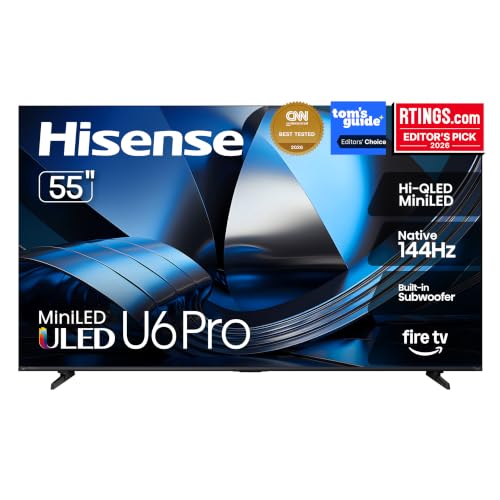
A 144Hz panel matters to PC and some console gamers, because it supports higher frame rates and variable refresh rate if the TV's ports allow it. It does not change how a movie looks. Compared with the Hisense U6 Pro, the TCL states a more elaborate dimming system, though neither listing in the data reviewed states a zone count or peak brightness figure.
Mount or stand it with the screen at eye level and keep it out of direct window glare. Run the calibration or movie mode and turn off motion smoothing for films. Update the firmware early, since picture and app fixes arrive that way. Check that the stand width fits your cabinet. If you plan to wall mount it, check the VESA pattern and weight in the manual, because mini LED sets are heavier than plain LED panels and need a rated bracket.
What works
- Mini LED backlight with local dimming improves contrast over a plain LED set
- 144Hz panel suits PC and console gaming
- Quantum dot film widens color for HDR content
- Google TV offers a broad app store and voice search
Watch out for
- Zone count and peak brightness are not stated in the data reviewed
- Local dimming can still show some blooming around bright objects
Specs
- Panel class
- 55 inch 4K
- Backlight
- QD-Mini LED with local dimming
- Refresh rate
- 144Hz
- Control system
- TCL HALO to reduce blooming
- Platform
- Google TV